Interface Windows User Commands From The Beginner To Admin
أوامر واجهة مستخدم ويندوز: من المبتدئ إلى مسؤول النظام
Learn the Windows Command Line & Batch Scripting (CMD) - Become a Windows Command Line Expert - CMD, PROMPT & MS-DOS
- Rating
- New
- Level
- Beginner
- Length
- 5h 32m
- Lessons
- 23
- Taught in
- Arabic
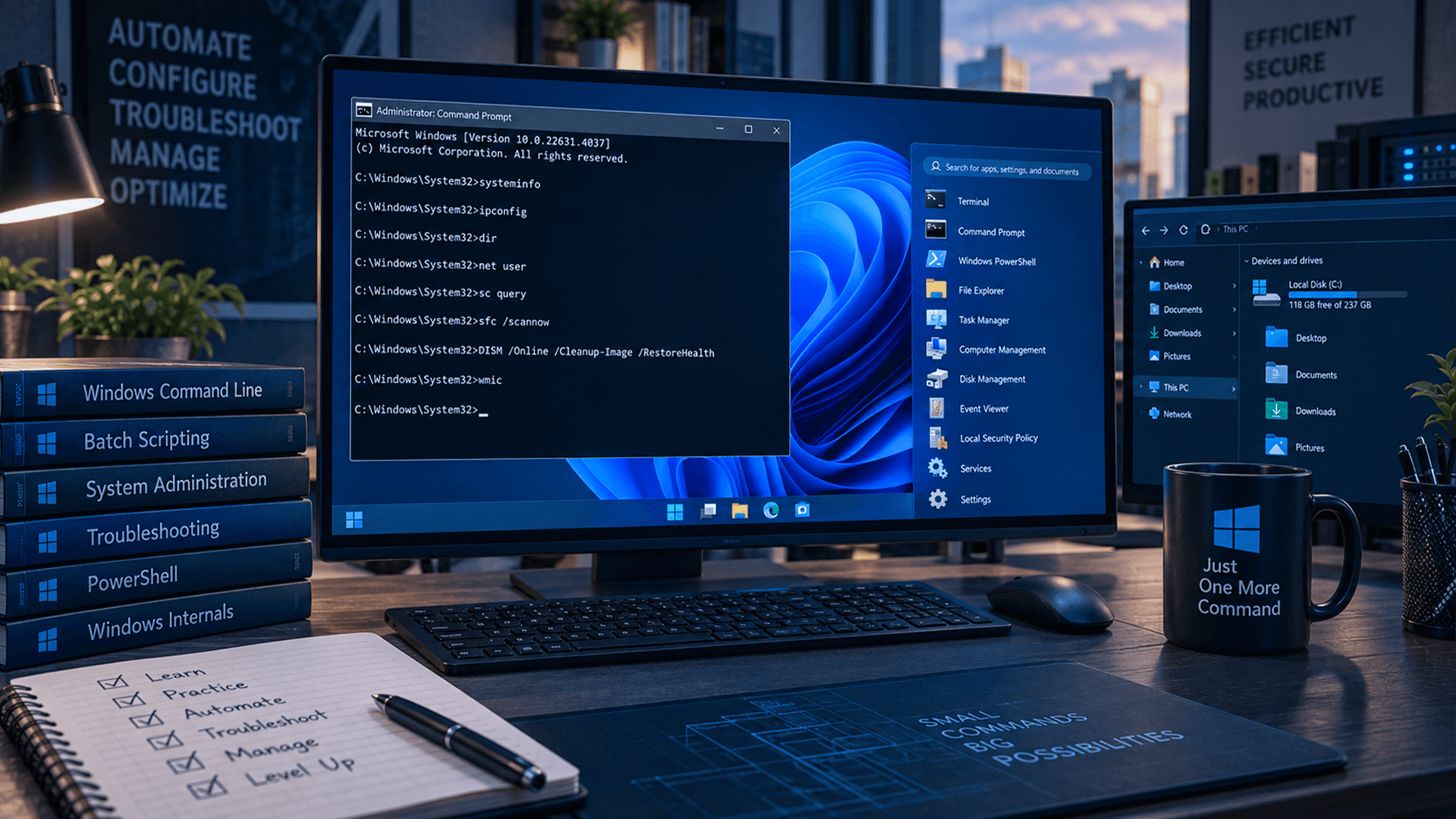
What you’ll learn
- How to create, rename, move and delete files and directories
- Creating batch files and some of the most common commands used within them
- Essential Windows Command Line Commands
- Become the most powerful and productive version of yourself
About this course
**Welcome to the Ultimate Windows Command Line Mastery Course!**
Are you ready to unlock the full potential of your Windows operating system? Dive deep into the heart of Windows with our comprehensive course on mastering the Command Line Interface (CLI). Whether you're a novice or a seasoned IT professional, this course is designed to take you from a beginner to an administrative level user, empowering you with the skills needed to navigate and manipulate your Windows system like a pro.
**Why Choose This Course?**
- **Comprehensive Curriculum**: Our meticulously crafted curriculum covers everything from basic commands to advanced scripting techniques, ensuring a well-rounded learning experience.
- **Practical Learning**: Gain hands-on experience through real-world examples and practical exercises, solidifying your understanding of each concept.
- **Expert Instruction**: Learn from industry experts with years of experience in Windows administration and command line scripting, guiding you every step of the way.
- **Lifetime Access**: Enjoy lifetime access to all course materials, including updates and additional resources, ensuring your skills stay relevant in an ever-evolving technological landscape.
**What You'll Learn:**
- Mastering the basics of Windows Command Line Interface (CLI)
- Understanding essential Windows commands and their applications
- Harnessing the power of batch scripting for automation and efficiency
- Advanced techniques for system administration and troubleshooting
- Tips, tricks, and best practices from seasoned IT professionals
**Who Is This Course For?**
- IT Professionals seeking to enhance their Windows administration skills
- Developers looking to streamline their workflow with command line automation
- Beginners eager to explore the depths of Windows command line interface
- Anyone interested in mastering the art of Windows batch scripting
**Enroll Now and Unlock Your Windows Command Line Potential!**
Don't miss out on this opportunity to elevate your Windows skills to new heights. Enroll now and embark on a journey towards command line mastery!
**Description:**
Are you tired of navigating your Windows system through endless menus and graphical interfaces? Are you ready to take control and unleash the full potential of your operating system? Look no further! Our comprehensive course, "Interface Windows User Commands From The Beginner To Admin", is your gateway to becoming a Windows Command Line expert.
From fundamental commands to advanced scripting techniques, this course covers everything you need to know to navigate and manipulate your Windows system efficiently. Whether you're a novice or an experienced IT professional, our expert instructors will guide you through each concept with clarity and precision.
By enrolling in this course, you'll:
- **Master the Basics**: Learn essential Windows commands and how to execute them effectively.
- **Unlock Advanced Techniques**: Dive into the world of batch scripting and discover how to automate tasks and streamline your workflow.
_**Become an Admin Pro**: Gain the skills and confidence needed to perform system administration tasks with ease.
- **Learn from the Best**: Benefit from the expertise of industry professionals with years of experience in Windows administration and command line scripting.
With lifetime access to all course materials, including updates and additional resources, you'll have the flexibility to learn at your own pace and revisit key concepts whenever needed. Plus, our practical exercises and real-world examples will ensure that you gain hands-on experience and practical skills that you can apply immediately in your professional endeavors.
Whether you're seeking to advance your career, streamline your workflow, or simply explore of Windows command line interface, this course is your ultimate guide to success. Enroll now and take the first step towards command line mastery!
Course content
16 sections · 23 lessons · 5h 32mStart Lecture
1 lesson · 2 min- 011. Start Lecture2 minIn trial
Introduction
2 lessons · 22 min- 022. Course Overview & Roadmap8 minIn trial
- 033. Introduction to CMD14 minIn trial
Basic Navigating Commands
1 lesson · 14 min- 044. Getting Started & Interface Navigation14 min
File Managment Commands
1 lesson · 34 min- 055. Network and system commands 34 min
Network and System Commands xx
1 lesson · 34 min- 06 6. Network and system commands _ II34 min
Module 1 | Let’s Start It (Get Pumped!)
1 lesson · 2 min- 077. Getting Started2 min
Module 2 | File Navigating (Unlocking Efficiency)
1 lesson · 15 min- 088. Essential Navigation Techniques & Shortcuts15 min
Module 3 | Network Ninja (CMD for Networking)
2 lessons · 48 min- 099. Network Diagnostics & Command Prompt Tools _ I22 min
- 1010. Network Diagnostics & Command Prompt Tools _ II26 min
Module 4 | File System Operation (Unearthing Evidence)
2 lessons · 45 min- 1111. Essential Commands for File Operations _ I21 min
- 1212. Essential Commands for File Operations _II24 min
Module 5 | User Management Mastery (Securing the System)
1 lesson · 24 min- 1313. Managing Local Users & Administrative Rights24 min
Module 6 |Registry Recon (Navigating the System Hive)
1 lesson · 12 min- 1414. Navigating Windows Registry Hives & Keys12 min
Module 7 | Process Power (Monitoring System Activity)
3 lessons · 12 min- 1515. Monitoring & Managing Active System Processes _ I6 min
- 1616. Monitoring & Managing Active System Processes _ II4 min
- 1717. Monitoring & Managing Active System Processes _III2 min
Module 8 | Event Log Exploration (Analyzing System Events)
1 lesson · 14 min- 1818. Analyzing System, Security & Application Event Logs14 min
Module 9 | Scripting for Security (Automating Tasks)
2 lessons · 27 min- 1919. Building Automation Scripts for System Monitoring _ I14 min
- 2020. Building Automation Scripts for System Monitoring _II13 min
Module 10 | Beyond the Basics (Advanced CMD Techniques)
2 lessons · 23 min- 2121. Batch Scripting Logic, Variables & Control Flow _ I16 min
- 2222. Batch Scripting Logic, Variables & Control Flow _ II6 min
The #End With Great Thanks
1 lesson · 5 min- 2323. Conclusion5 min
Earn a certificate
Finish every lesson to earn a LearnU certificate with your name, ready to download and share on LinkedIn.
Included with the membership and with this course