Autodesk Civil 3D Essentials
أساسيات برنامج CIVIL3D
Learn the essential Autodesk Civil 3D tools : surfaces, alignments, profiles, sections, and a basic corridor workflow.
- Rating
- New
- Level
- Intermediate
- Length
- 4h 35m
- Lessons
- 13
- Taught in
- Arabic
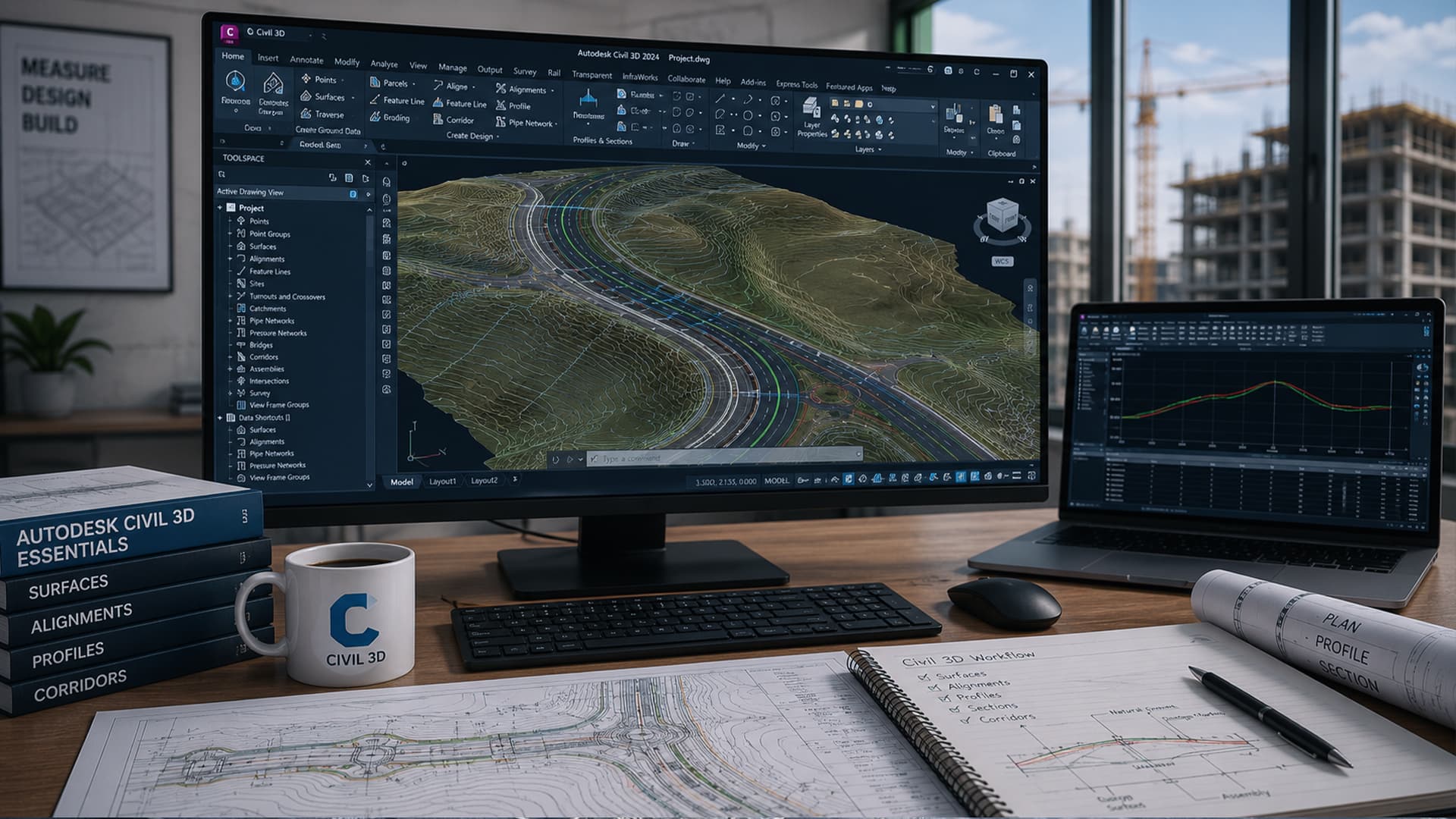
What you’ll learn
- Understand Civil 3D interface, Toolspace, Prospector, and Settings
- Set up drawings: units, templates, and basic project standards
- Create and edit surfaces from contours/points and apply surface analysis
- Create alignments and control geometry with labels and styles
- Generate profiles and profile views (existing + design)
- Create sample lines and section views
- Build a basic corridor (assemblies, corridor creation, and outputs)
About this course
Civil 3D Essentials is a complete beginner-friendly course designed to give you a strong and practical foundation in Autodesk Civil 3D. If you are a civil engineering student, a fresh graduate, or a CAD drafter moving into civil design, this course will help you understand the “why” and the “how” behind the most important Civil 3D tools—without overwhelming you with advanced topics too early.
We start by building confidence with the Civil 3D interface and the Toolspace workflow (Prospector and Settings), so you can navigate projects efficiently and understand how Civil 3D manages data. Then we move into the essential workflows used in real-world site and road design. You’ll learn how to create and control surfaces from different data sources (such as contours, points, and breaklines), edit surfaces correctly, and use surface analysis tools to check elevations, slopes, and contours for better decision-making.
Next, you’ll create horizontal design elements by building alignments and applying the correct labels and styles to keep your drawings clean and readable. After that, you’ll generate existing ground profiles, create basic design profiles, and build profile views that communicate your design clearly. You’ll also learn the fundamentals of sections, including creating sample lines and producing section views.
Finally, the course introduces the corridor workflow at a beginner level—assemblies, corridor creation, and key outputs—so you understand the big picture of Civil 3D modeling. Throughout the course, you’ll apply styles and labels, organize your drawing, and follow a workflow that prepares you for real projects and more advanced Civil 3D learning.
If you want a clear, structured, and practical start in Civil 3D, this course is for you.
Civil 3D Essentials is a complete beginner-friendly course designed to give you a strong and practical foundation in Autodesk Civil 3D. If you are a civil engineering student, a fresh graduate, or a CAD drafter moving into civil design, this course will help you understand the “why” and the “how” behind the most important Civil 3D tools—without overwhelming you with advanced topics too early.
We start by building confidence with the Civil 3D interface and the Toolspace workflow (Prospector and Settings), so you can navigate projects efficiently and understand how Civil 3D manages data. Then we move into the essential workflows used in real-world site and road design. You’ll learn how to create and control surfaces from different data sources (such as contours, points, and breaklines), edit surfaces correctly, and use surface analysis tools to check elevations, slopes, and contours for better decision-making.
Next, you’ll create horizontal design elements by building alignments and applying the correct labels and styles to keep your drawings clean and readable. After that, you’ll generate existing ground profiles, create basic design profiles, and build profile views that communicate your design clearly. You’ll also learn the fundamentals of sections, including creating sample lines and producing section views.
Finally, the course introduces the corridor workflow at a beginner level—assemblies, corridor creation, and key outputs—so you understand the big picture of Civil 3D modeling. Throughout the course, you’ll apply styles and labels, organize your drawing, and follow a workflow that prepares you for real projects and more advanced Civil 3D learning.
If you want a clear, structured, and practical start in Civil 3D, this course is for you.
Course content
1 section · 13 lessons · 4h 35mIntroduction
13 lessons · 4h 35m- 01Civil3D-Interface44 minIn trial
- 02Points& Surfaces24 minIn trial
- 03Alignment &Profiles8 minIn trial
- 04edit-alignment8 min
- 05Edit-profile12 min
- 06Edit profile labels18 min
- 07profile from file9 min
Earn a certificate
Finish every lesson to earn a LearnU certificate with your name, ready to download and share on LinkedIn.
Included with the membership and with this course