AutoCAD Learning Journey Course
كورس عن رحلة تعلم الأوتوكا
AutoCAD Learning Journey From Basics to Mastery, Step Into Design Power, Your Path to AutoCAD Success, Practical Skills for Real Projects, Unlocking Creativity with AutoCAD — delivered in a unique way of explanation and knowledge transfer as you’ve never experienced before.
- Rating
- 4.5
- Level
- Beginner
- Length
- 7h 17m
- Lessons
- 16
- Taught in
- Arabic
What you’ll learn
- Introduction Understanding AutoCAD interface and workspace. File management: open, save, and organize projects. Basic navigation and essential commands
- Basic Drawing Tools Lines, circles, arcs, rectangles, and polylines. Editing tools: copy, move, rotate, scale, mirror, erase
- Layers and Properties Creating and managing layers. Controlling object properties (color, line type, thickness). Measuring and modifying elements
- Advanced Editing Trim, extend, fillet, chamfer. Offset, array, and advanced block usage. Dynamic blocks and reusable components
- Annotation and Dimensioning Adding text, notes, and leaders. Dimension styles for lines, arcs, and angles. Professional annotation standards
- Layouts and Printing Setting up layouts and viewports. Preparing drawings for printing and PDF export. Scale management and title blocks
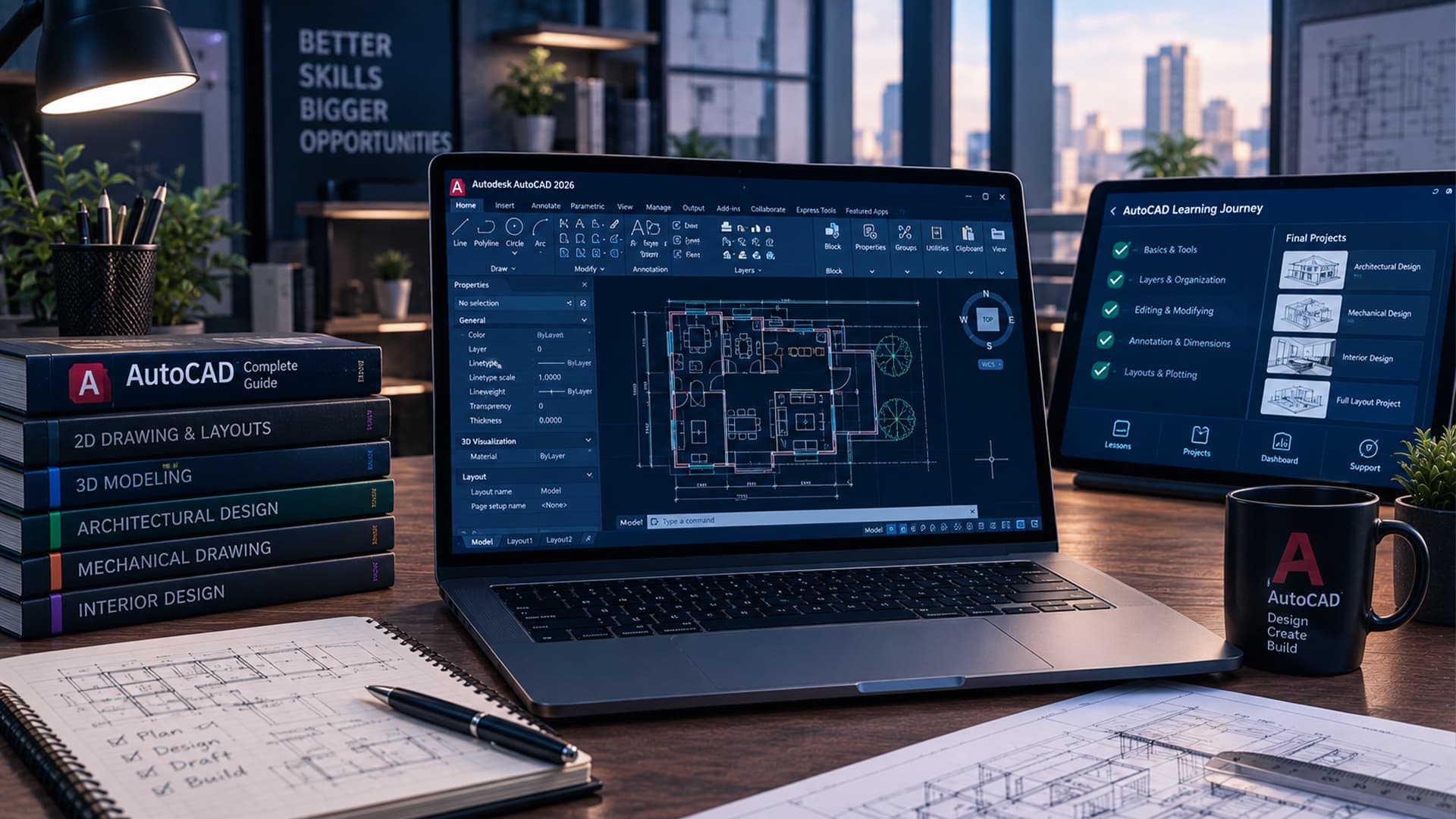
- Practical Projects Learners will complete four final practical projects, each focusing on different applications (architectural, interior, and full layout design). Every project is guided
About this course
The AutoCAD Learning Journey is a professional training program that delivers knowledge in a different and distinctive way of explanation, ensuring learners grasp concepts clearly and effectively. Unlike traditional courses, this program focuses on innovative teaching methods combined with practical application.
Learners will explore AutoCAD step by step — from mastering basic drawing tools and layer management to advanced editing, annotation, and layout preparation. The course emphasizes hands-on practice, with four final practical projects (architectural, mechanical, interior, and full layout design) guided step by step and continuously monitored through the Dashboard.
One of the key advantages is flexibility: the course can be accessed from anywhere, at any time, allowing learners to study at their own pace while still receiving structured guidance and feedback.
By the end of the course, participants will:
Gain a solid foundation in AutoCAD with a unique learning experience.
Apply skills in real-world projects and build a professional portfolio.
Benefit from continuous monitoring and feedback via the Dashboard.
Enjoy the freedom of learning anytime, anywhere.
Course content
1 section · 16 lessons · 7h 17mcourse content
16 lessons · 7h 17m- 01Welcome Screen & Core Interface Navigation18 minIn trial
- 02Interface Customization, Workspace Settings & PDF Workflows51 minIn trial
- 03Selection Methods, Precision Snapping & Ribbon Tools29 minIn trial
- 04Draw Panel Basics: Line, Polyline, Circle & Precision Modes32 min
- 05Advanced Drawing Tools: Arc, Rectangle & Dynamic Input28 min
- 06Complex Curves & Fundamental Modify Tools (Move & Copy)28 min
- 07Precision Editing Commands: Offset, Trim, Fillet & Scale33 min
Earn a certificate
Finish every lesson to earn a LearnU certificate with your name, ready to download and share on LinkedIn.
Included with the membership and with this course